
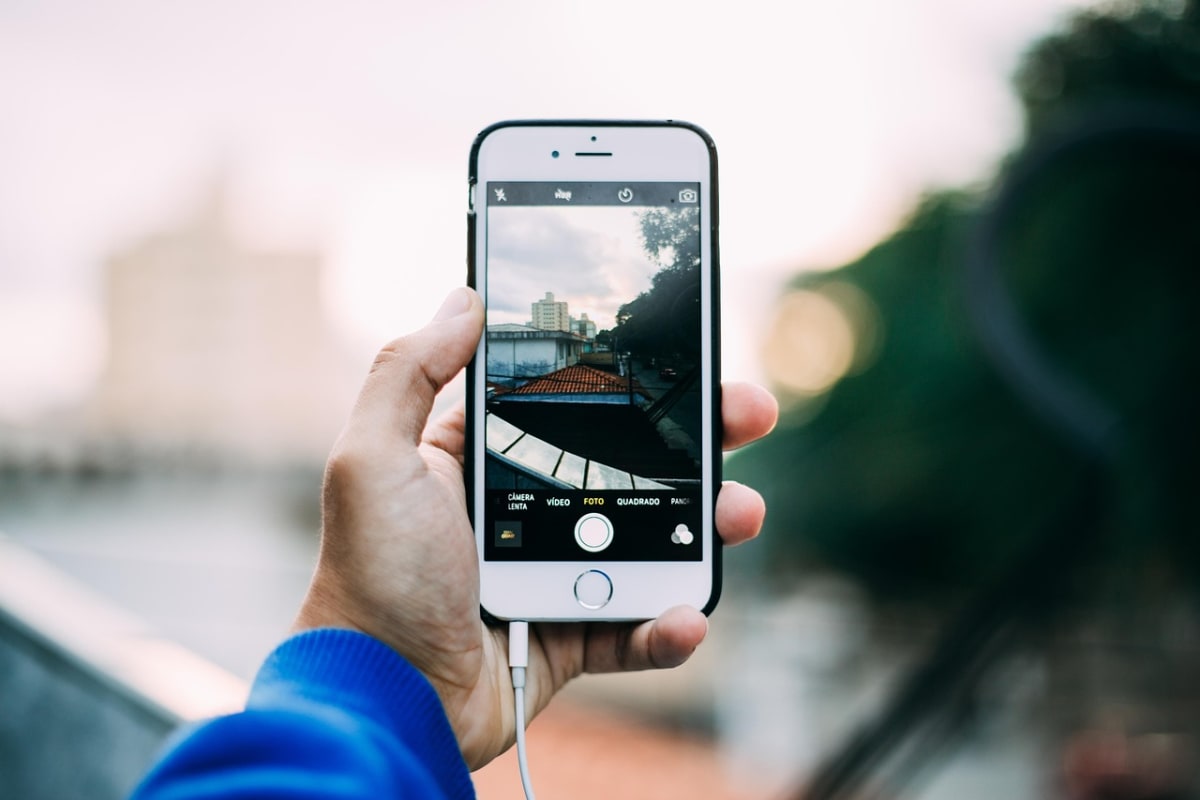
Picture this: you hold about $200 in crypto, you want to try a new app someone shared in a WhatsApp group, and your only wallet is the same one that holds everything. One wrong signature and the whole balance is exposed. The fix is boring and cheap: keep a small "trial" wallet apart from your main holdings, and follow a short routine on your phone every time you touch it.
This guide shows how to set that up, what to keep on which wallet, and the habits that stop most small losses. It doesn't tell you what to buy and it doesn't cover Nigeria's regulations, which have changed more than once. For the current rules, check the official pages of the SEC Nigeria and the Central Bank of Nigeria directly.
Why one wallet for everything is the risky setup
Most crypto losses by ordinary users don't come from advanced hacking. They come from a person approving something they didn't understand, typing a seed phrase into a fake site, or installing a fake app. Each of those mistakes is more expensive when everything sits in one place.
Separating wallets works like separating money in real life. You don't carry your whole savings in your pocket to a crowded market. You carry what you need and leave the rest at home.
Splitting also limits what a scam can reach. A wallet drainer, for example, can only take what a wallet has approved or holds. If you want the technical side, read our guide on fake airdrops and wallet drainers and how to revoke approvals.
The three-bucket model
You don't need a complicated system. Three buckets cover most small holders.
| Bucket | Purpose | Where it lives | How often you touch it |
|---|---|---|---|
| Savings | Money you won't need for months | A wallet created fresh, used for nothing else; a hardware wallet if the amount justifies the cost | Rarely; a few times a year |
| Spending | Amounts you move to pay people or cash out through P2P | An app wallet or exchange account with strong security | Weekly or as needed |
| Trial | Testing new apps, mints, airdrops, games | A separate wallet with a small, capped balance | Whenever you experiment |
The trial wallet is the one this guide focuses on. Treat everything in it as money you could lose, because with unknown apps that is a real possibility.
Step-by-step: set up a trial wallet
- Install the wallet app from the official source. Go to the wallet's official website by typing the address yourself or using the link from the official store listing, then check the developer name and review history. Fake wallet apps with near-identical names exist.
- Create a brand-new wallet. Never import your savings seed phrase into it. A new wallet means a new seed phrase, and the two should have no link.
- Write the seed phrase on paper. No screenshots, no notes app, no WhatsApp "saved messages". Our guide on protecting your seed phrase from fire, theft and phishing covers storage in detail. Even for a trial wallet, writing it down means you can recover if your phone breaks or gets stolen.
- Set a phone lock and a wallet passcode. Use a different code from your phone unlock PIN and your bank PINs.
- Fund it with a capped amount. Decide the cap before you send anything. A common rule is an amount whose loss would annoy you but not hurt your rent, school fees or data budget.
- Do a small test transfer first. Send a tiny amount, confirm it arrived, then send the rest. Check the network matches on both sides; sending on the wrong network is a frequent and often unrecoverable mistake. If you want to confirm transfers yourself, our block explorer guide shows how.
A worked example (hypothetical)
Say Ada, a freelance designer, receives about $300 in stablecoins from a client. She splits it like this:
- $200 to a savings wallet she created fresh and rarely opens.
- $70 stays in her exchange or app account for cashing out through P2P when she needs naira.
- $30 goes to a trial wallet so she can test a new app a friend recommended.
The new app asks her to connect and approve a token spend. She does it from the trial wallet only. If the app turns out to be a drainer, she loses at most $30, and her savings wallet never connected to it. Without the split, the loss could have been $300.
The numbers are made up, but the logic holds at any scale: the trial amount should be the smallest bucket.
The phone routine before you open any wallet
A wallet is only as safe as the phone it sits on. Run through this short list, ideally every time you do something new.
- Update the phone and the wallet app. Updates fix known weaknesses. If your phone is old and no longer gets updates, keep only trial amounts on it.
- Check what else is installed. Remove apps you don't recognise, especially "loan apps", cracked games and modded apps. Some request permissions to read your screen or messages.
- Use mobile data or trusted Wi-Fi. Avoid public Wi-Fi for wallet actions. If your data is expensive, a small plan reserved for transfers is cheaper than a loss.
- Type, don't tap. Open the site by typing the address or using a bookmark you made yourself. Links in DMs, Telegram groups and comments are the usual route to fake sites.
- Read the prompt before signing. If a wallet screen shows "approve unlimited" or a request you can't understand, stop. Closing the tab costs nothing.
- Disconnect when done. Disconnect the site from the wallet, and revoke old approvals regularly.
Power cuts, shared phones and SIM risks
Local conditions matter. If your battery dies mid-transfer, the transaction may still go through or may not; check the status before you retry, so you don't send twice. Keep a power bank charged if you handle crypto often.
Don't let anyone else use your phone for wallet actions, including relatives helping "just to check". If your phone is shared, install the wallet only if it has its own lock.
SIM swap is a risk for accounts that rely on SMS codes. Where your exchange or email lets you, use an authenticator app instead of SMS. Also keep your email account secure with a strong, unique password, because it is often the way into every other account. If you lose your SIM or suddenly lose network for no reason, contact your network provider and bank quickly.
Common mistakes
- Using the same seed phrase for "just a quick test". The test wallet must be separate from savings, or the split means nothing.
- Topping up the trial wallet from fear of missing out. A tempting app seems to need more funds. Don't raise the cap because of a deadline someone else created.
- Keeping the seed phrase in a screenshot. Phone backups and gallery apps can sync it elsewhere.
- Trusting "support" accounts. Real wallet support will never ask for your seed phrase. Anyone who does is a scammer. If you've already been caught, see our guide on reporting a crypto scam in Nigeria.
- Never reviewing the buckets. Once a month, check balances and move profits or leftovers out of the trial wallet.
How this changes by situation
- Total beginner: start with just two buckets: a main wallet and a trial wallet. Add a hardware wallet later if your savings grow.
- Freelancer paid in stablecoins: keep the amount you need for the next few weeks on the spending side, and move the rest to savings as soon as you've confirmed the payment.
- Someone on a shared or low-end phone: hold only small amounts, and consider keeping savings on a hardware wallet or a device you control fully.
- Diaspora readers in Ghana, Kenya, South Africa or abroad: the security routine is the same, but local rules on exchanges and reporting differ. Check your own regulator.
Frequently asked questions
How much should I put in a trial wallet?
An amount you can lose without changing your plans for the month. Many people choose a small percentage of their holdings. Whatever you pick, write the number down and stick to it.
Do I need a hardware wallet?
Not for small amounts. It becomes worth considering when the savings bucket is large enough that its loss would hurt. Buy only from the maker's official store, never from a reseller or marketplace listing you can't verify.
Can I use the same phone for both wallets?
Yes, but the wallets should have separate seed phrases and passcodes. A spare phone used only for savings is safer if you can afford one.
What if I think my trial wallet is compromised?
Stop using it. Move any remaining funds to a new wallet if you can do so safely, revoke approvals, and never reuse that seed phrase. Your savings wallet should be unaffected if it never connected.
Your next step
Today, open your wallet app and look at what is sitting in it. If your savings and your experiments share one wallet, create a fresh trial wallet, write its seed phrase on paper, and move only a capped amount across. Crypto prices can fall sharply and scams are common, so size every bucket with that in mind; our piece on why crypto prices swing so much helps you decide the amounts.
This article is for general information only and is not financial, legal, or tax advice. Prices, rates and rules change quickly, so check current details before making money decisions.