
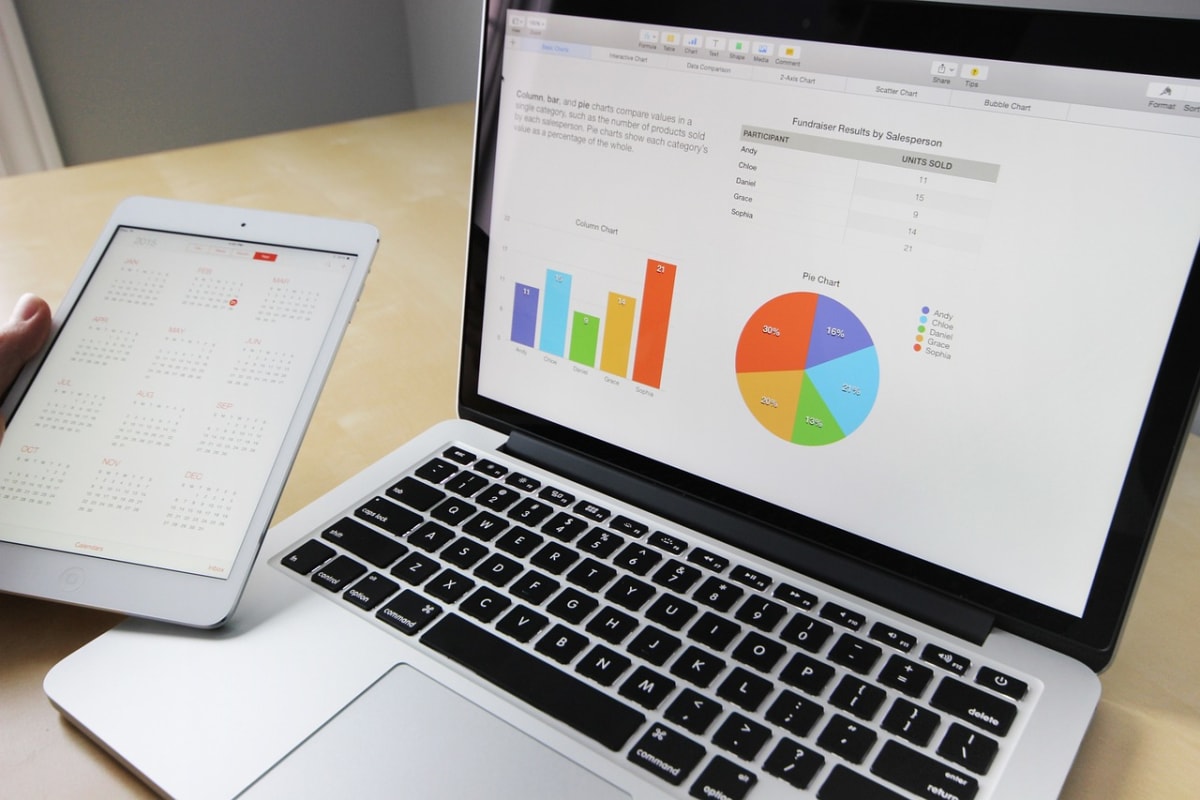
A pharmacy owner in Ibadan has two years of sales in an exercise book and a half-finished Excel file nobody trusts. She doesn't need a data scientist. She needs someone who can tell her which drugs sell, which ones expire on the shelf, and what she is owed. That is the kind of job spreadsheet skills win, and it pays because the owner's time is short.
This guide covers which spreadsheet skills small businesses actually pay for, how to practise them with free tools, how to package them as a service, and where AI helps and where it hurts. The tools here are described by type. Menus and features change, so check the help pages of whatever spreadsheet app you use.
What small businesses actually need from a spreadsheet
Most small-business owners in Nigeria, Ghana, Kenya and South Africa don't ask for "data analysis". They ask for answers to plain questions:
- How much did I really sell this month, and what did I spend?
- Who owes me money, and for how long?
- Which products make profit and which just move cash around?
- How much stock do I have left?
- Can you make my records stop being a mess?
Your job is to turn those questions into a sheet the owner can update in five minutes a day. A clean, simple tracker beats a clever one that nobody uses.
The seven skills worth learning first
1. Clean data entry structure
One row per transaction, one column per detail (date, item, quantity, unit price, customer, payment method). No merged cells, no blank rows, no totals typed in the middle of the data. This single habit prevents most problems clients have.
2. Basic formulas
Know sum, average, count, and conditional versions of each (sum if, count if). Learn how to multiply quantity by price in a column and total it. These cover most small-shop reporting.
3. Lookup functions
A lookup lets you type a product code and have the price appear. It is how you build invoices and price lists that don't need retyping. Learn one modern lookup function and one older one, because clients' files often use either.
4. Pivot tables
A pivot table summarises thousands of rows into "sales by product" or "expenses by month" in a few clicks. It is the skill that makes owners say "how did you do that?" Spend real practice time here.
5. Data cleaning
Trim extra spaces, fix inconsistent spellings ("Indomie", "indomie ", "Indomie noodles"), standardise dates, remove duplicates. Real client files are dirty, and cleanup is often the first paid job.
6. Simple charts
One line chart for sales over time and one bar chart for top products is usually enough. Skip 3D charts and decoration.
7. Data validation and protection
Dropdown lists stop staff typing "Cash", "cash" and "CASH" differently. Locking formula cells stops accidental deletion. These make your work last after you leave.
Practise with a realistic project, not tutorials alone
Build a sample file for an imaginary shop. Here is a plan you can finish in a weekend on a laptop, or slowly on a phone with a free spreadsheet app:
- Create a "Sales" sheet with 200 invented rows: date, product, quantity, unit price, payment method.
- Add a "Products" sheet with product, cost price and selling price.
- Use a lookup to bring cost price into the sales sheet, then calculate profit per row.
- Build a pivot table of profit by product and by month.
- Add two charts and a dropdown for payment method.
- Write half a page: "Three things this data tells the owner."
That last step matters most. Clients pay for insight, not formulas. If you want to go further into querying data, see SQL for Beginners: A First Week of Practice Queries.
Where AI helps with spreadsheets, and where it doesn't
General chat assistants can explain a formula, suggest how to structure a sheet, or fix an error message when you paste the formula (not the client's data). That makes learning faster. Some spreadsheet apps also include built-in assistants, but check what your own app offers rather than assuming.
- Good use: "Explain this formula in plain English", "Why does this show an error?", "Suggest columns for a tracker for a tailoring business."
- Bad use: pasting a client's customer names, phone numbers or bank details into a public AI tool. Read Using AI at Work Without Leaking Customer Data first, and use fake sample rows when asking for help.
- Risky: trusting an AI-written formula without testing. Check it against three rows you calculate by hand.
Package it as a service
"I do Excel" is vague. Offer specific, priced outcomes instead:
| Service | What the client gets | Good for |
|---|---|---|
| Records cleanup | Messy file turned into one tidy table | Shops, schools, clinics |
| Sales and expense tracker | Template with monthly summary | Retailers, caterers, POS agents |
| Debtors and customer ledger | Who owes what, with ageing | Wholesalers, tailors, printers |
| Stock sheet | Stock in, out and reorder alert | Pharmacies, provision stores |
| Monthly report | One-page summary with two charts | Any owner who wants a monthly check |
A one-off build suits clients who just want a tool. A small monthly retainer for updating and reporting suits owners who don't want to touch the file at all.
A worked example (hypothetical numbers)
Say a provision store owner sells about 40 items and keeps a notebook. You offer a "tracker plus first-month setup" for ₦30,000. You spend roughly three hours building the template, two hours entering the last month's notebook records, and one hour training the owner. That is six hours, or ₦5,000 an hour. If the monthly review adds ₦10,000 and takes one hour, five such clients give you ₦50,000 a month for about five hours of work, after setup. These numbers are invented to show how to calculate your rate. Local prices vary by city and client, so test what your market accepts.
Notice that a five-hour monthly job only holds if your template is reusable. Build one good base file and adapt it, rather than starting from zero each time.
How to find the first clients
- Start with people who know you. A relative's shop, a church bookkeeper, a school office. Offer a discounted first job in exchange for a short testimonial and permission to describe the result.
- Show before-and-after. Screenshot a cleaned sample with invented data. Never show a real client's figures without written permission.
- Send short, specific messages. Mention one problem you can see, such as "I noticed you track orders on WhatsApp", and offer to fix one thing.
- Put samples in a simple portfolio. See Build a Simple Online Portfolio With AI Help, Step by Step.
For larger or foreign clients, agree payment terms first. Getting Paid Safely: Milestones, Deposits and Escrow explains deposits and milestones.
Common mistakes
- Over-building. A dashboard with twelve charts for a shop with one till. Keep it to what the owner will read.
- Hard-coding numbers in formulas. Put prices and rates in cells so they can be changed in one place.
- No backup. Power cuts and phone losses happen. Keep the file in cloud storage and a second copy somewhere else.
- Locking the client out. Hand over editable files and a one-page "how to update" guide. Don't hold the work hostage.
- Handling sensitive data carelessly. Customer phone numbers and debts are private. Share files only with the owner, and delete your copies when the job ends, if you agreed to.
- Skipping a written scope. State what is included, how many revisions, and the price before starting.
Working with limited power and data
You can learn most of this on a mid-range phone with a free spreadsheet app, though a laptop is much easier for pivot tables. Download any practice files and help pages while on Wi-Fi, and save work offline. Many spreadsheet apps allow offline editing if you enable it beforehand, so check your app's settings before a long power cut. Our guide on learning data analysis free on a phone has more low-data routines.
Frequently asked questions
Do I need Excel specifically, or is a free spreadsheet app enough?
Free apps cover the core skills: formulas, lookups, pivot tables and charts. Some clients will send Excel files, so make sure you can open and save in that format, and test your work before delivery.
Can I charge in naira and dollars?
Local clients usually pay in naira, cedis, shillings or rand. Foreign clients may pay in dollars, so factor in transfer fees and your bank's or fintech app's conversion terms before quoting.
Do I need a certificate?
Most small-business owners care about samples and results, not certificates. A certificate can help for formal job applications, but it won't replace a portfolio.
Is AI going to replace this work?
AI speeds up formula writing and cleanup, but owners still need someone to understand their business, structure the records and check the answers. Your value shifts toward judgment and trust.
Your next step
This week, build the sample shop file described above and write your half-page "three things this data tells the owner". Then show it to one real shop owner and ask what they would change.
Results from any side hustle or online work vary widely, and nothing here is a promise of income. Be wary of anyone who asks you to pay upfront to start earning.