
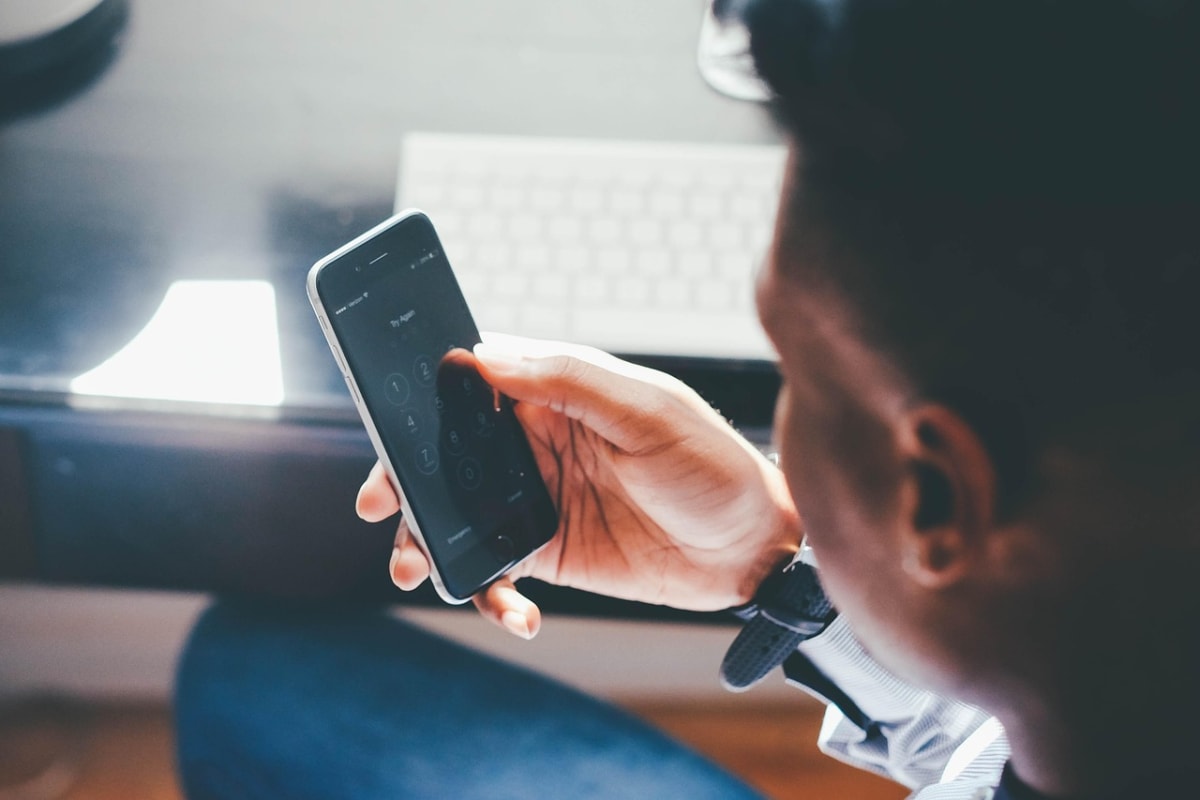
Picture this hypothetical: at 2 p.m. your phone suddenly shows "No service". You assume it's the network, which happens often enough. By 3 p.m. you get an email saying your exchange password was reset, then another saying a withdrawal was made. Your coins are gone, and nobody ever touched your wallet or "hacked" the exchange.
What happened is that someone took over your phone number, then your email, and then used both to walk into your exchange account. This post explains how that chain works and how to break it at every link. It doesn't need special tools, only a few hours of setup and some habits.
The real weak point: your phone number and your email
Most people protect the exchange with a strong password and stop there. But nearly every exchange, fintech app and bank lets you reset that password through your email or phone number. Whoever controls those two things can often become you.
That makes your email the master key and your phone number the spare key. If either is weak, everything behind it is weak, including your bank app, your exchange, your Telegram and your WhatsApp.
How a SIM swap works
A SIM swap happens when a criminal gets your number moved onto a SIM card they hold. They might convince a telecom agent with stolen personal details, bribe an insider, or use details they collected from you through a fake call or form. Once the number is theirs, calls and SMS codes come to them, not you.
Warning signs include a sudden loss of signal when others around you still have it, SMS codes you didn't request, and calls from someone claiming to be your network or bank who asks you to "confirm" details. Treat unexpected loss of service, especially combined with account alerts, as an emergency rather than a network glitch.
Details the attacker uses are often public: your full name, date of birth, and phone number are on social media, old job applications, or data left in the wrong hands. The less of that you share publicly, the harder the story is to tell convincingly.
How an email takeover works
Email accounts are usually lost in one of three ways:
- Reused passwords. A password leaked from some forgotten site is tried against your email.
- Phishing. A fake login page, often sent as a "security alert" or a prize message, collects your password and the code you type in.
- Recovery through your phone. If your email resets by SMS, a SIM swap gives the attacker the email too.
The third one is why the two risks belong in the same post. A strong email password doesn't help if a text message can override it.
Step-by-step: lock down the accounts behind your crypto
Step 1: Secure your email first
- Create a password of its own, long and used nowhere else. A password manager helps; a long phrase of unrelated words works if you don't have one.
- Turn on two-step verification using an authenticator app, a passkey or a physical security key, not SMS.
- Open the recovery settings. Remove old phone numbers and old email addresses you no longer control, and check that the recovery email is also secured.
- Look at the list of devices and apps signed in, and sign out of any you don't recognise.
- Download backup codes and store them offline, on paper, away from your phone.
Step 2: Move exchange two-step verification off SMS
In your exchange's security settings, switch to an authenticator app or security key. Many platforms also offer an anti-phishing code, which puts a word you choose into every genuine email from them, and a withdrawal address whitelist, which only allows payouts to addresses you've pre-approved. Turn both on if they're offered. Settings differ by platform, so look in the security section of the one you use.
Step 3: Make the authenticator survive a lost phone
If your authenticator app lives only on one phone and that phone is stolen or breaks, you could lock yourself out. Save the setup key or backup codes offline when you first enrol, or use an app that supports an encrypted backup. Test the recovery process before you need it.
Step 4: Harden the phone number
- Ask your network provider what protection it offers against SIM replacement, such as an extra PIN or in-person verification. Policies vary by provider and country, so ask rather than assume.
- Don't give your NIN, BVN, date of birth or SIM details to anyone who calls you. Your bank and your network will not ask for PINs or OTPs by phone.
- Consider a number that you never publish, used only for banking and exchanges.
Step 5: Protect the bank link
If you trade peer-to-peer, the bank or fintech account that receives naira is also a target. Use app-based approval where available, set transaction limits you can live with, and keep the app's PIN and your SIM PIN different. Our guide to P2P trading covers the buyer-side checks.
Which verification method is strongest?
| Method | Main weakness | Best for |
|---|---|---|
| SMS code | Lost if your SIM is swapped; can be intercepted or phished | Better than nothing, only as a last resort |
| Authenticator app | Can be phished if you type the code into a fake page; lost with the phone unless backed up | Most people, on most accounts |
| Passkey | Depends on device and account recovery set up | Email and supported apps |
| Physical security key | Can be lost; you need a spare | Larger balances and the main email account |
A worked example (hypothetical)
Ada, a freelancer in Lagos, keeps ₦900,000 worth of stablecoins on an exchange. Her email password is the same as her old online shopping account, and both exchange and email use SMS codes on one number.
After her fix she: changes the email password, switches both accounts to an authenticator app, prints backup codes and keeps them in a folder at home, turns on an address whitelist, and removes an old phone number from her email recovery. That took about two hours. Her risk isn't zero, but an attacker now needs to beat several separate barriers, not one text message.
Common mistakes
- Screenshotting backup codes into the same phone gallery that syncs to the email you're protecting.
- Using the exchange email for everything. Keep a separate email address only for finance accounts.
- Telling people your holdings. Boasting in groups or on social media marks you as a target.
- Clicking links in "security alerts". Open the app or type the address yourself.
- Waiting to see if it sorts itself out. Minutes matter after a SIM loss.
If you think you've been hit
- Use another phone to contact your network provider and report the SIM issue.
- From a safe device, change your email password and sign out all sessions.
- Then change the exchange password, disable withdrawals if the platform allows it, and contact its support through the official app or site.
- Call your bank to freeze linked accounts or cards if they use the same number.
- Keep screenshots, emails and times, then follow our steps in how to report a crypto scam in Nigeria.
Be careful afterwards. Victims are often contacted by people claiming they can get the funds back for a fee. Read how fake recovery agents operate before replying to anyone.
Also remember that account security is separate from platform risk. If an exchange itself freezes withdrawals, this guide explains what to do and avoid. Crypto prices are volatile, and transfers usually can't be reversed, so security habits matter more than in an ordinary bank account.
Frequently asked questions
Is SMS two-step verification useless?
No. It stops casual password-guessing. But it's the weakest common option because the number can be moved to another SIM. Use an app or key where you can.
Should I use the same email for my exchange and everything else?
Better not. A dedicated address that you don't publish, with strong protection, gives attackers fewer clues and fewer places to try.
Can a SIM swap empty my self-custody wallet?
Not by itself. A self-custody wallet is controlled by its seed phrase, not your number. But a swap could still reach the email, cloud backups or exchange accounts connected to you, so keep the seed phrase offline. See our guide on protecting your seed phrase.
Do I need a hardware key?
Not at small balances. If an account holds an amount you'd be seriously hurt to lose, a key for your email and exchange, plus a spare stored elsewhere, is worth the cost.
Your next step
Tonight, open your email's security page and do three things: change the password, move verification off SMS, and remove outdated recovery details. Then repeat on your exchange account.
This article is for general information only and is not financial, legal, or tax advice. Prices, rates and rules change quickly, so check current details before making money decisions.